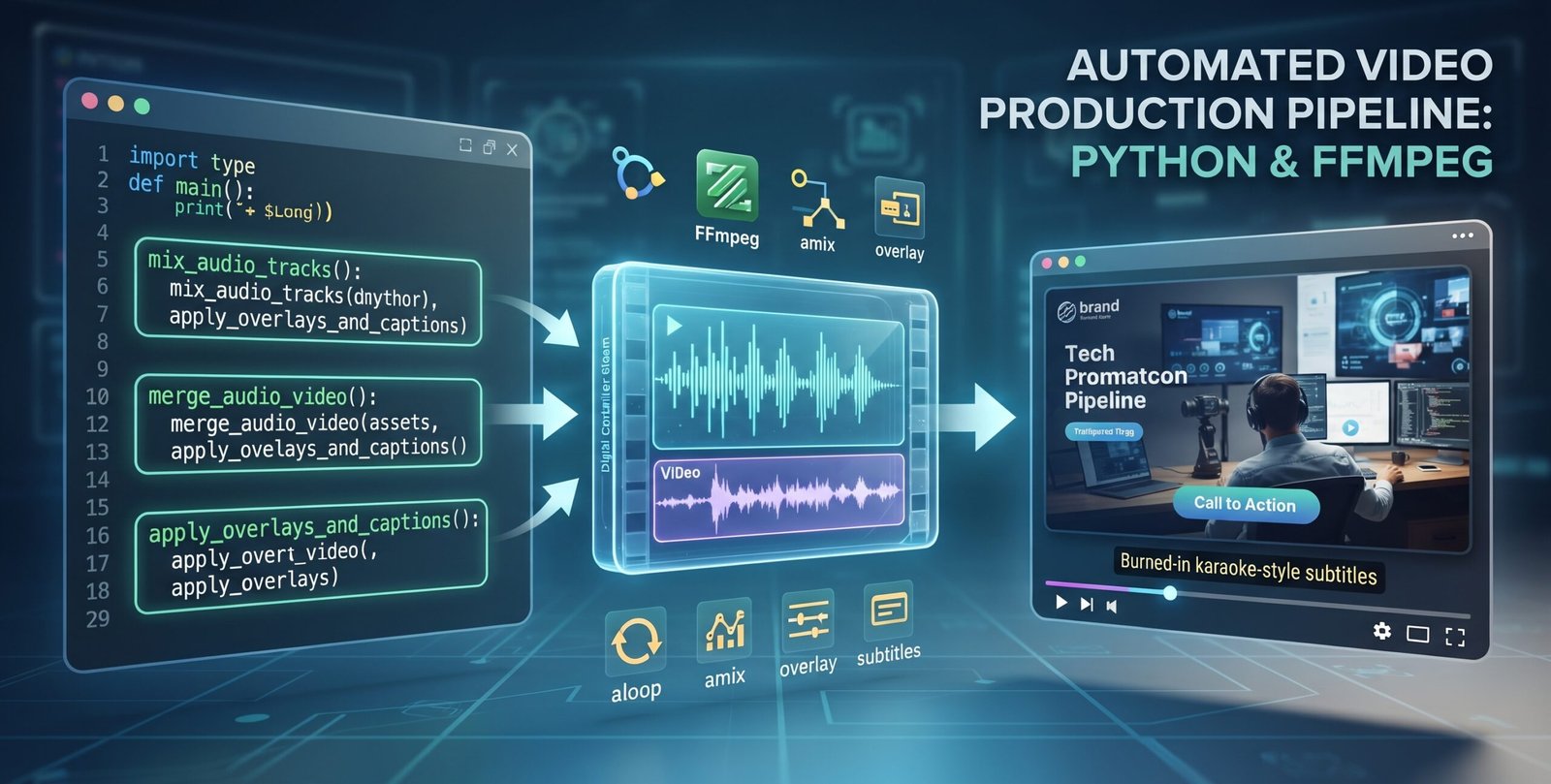
Scaling content creation often introduces a major bottleneck: the hours spent manually trimming, adjusting, and exporting files in traditional video editors. When managing content creation across digital platforms, repeating tasks like matching voiceover lengths to background music, aligning brand watermarks, and hardcoding karaoke subtitles quickly becomes inefficient.
To eliminate this overhead, I built and open-sourced a modular Video Automation Pipeline that automates the entire end-to-end rendering process using Python and FFmpeg.
The Architecture & Core Modules
The toolkit is structured into distinct, decoupled components to ensure maintainability and separation of concerns:
audio_mixer.py(Intelligent Audio Looping & Mixing): Mismatched audio durations are handled programmatically. The script queries the voiceover duration usingffprobe, loops background music (BGM) indefinitely withaloop, trims it precisely to length, and mixes the streams together with balanced ducking.video_muxer.py(Lossless Audio-Video Muxing): Binds the composite audio track back to the raw footage. By leveraging container-level stream copying (-c:v copy), it avoids unnecessary CPU re-encoding overhead on the video layer, drastically reducing processing time.video_enhancer.py(Complex Overlays & Karaoke Subtitles): Utilizes FFmpeg complex filter graphs (-filter_complex) to scale and position brand logos, inject call-to-action (CTA) button overlays via coordinate mapping, and burn synchronized karaoke-style subtitles using Advanced SubStation Alpha (ASS) formatting.
Code Highlight: Config-Driven Orchestration
Rather than hardcoding file paths and parameters inside the source code, the pipeline relies on a centralized config.json file. The main orchestration script (main.py) coordinates the flow seamlessly:
from src.audio_mixer import mix_audio_tracks
from src.video_muxer import merge_audio_video
from src.video_enhancer import apply_overlays_and_captions

def main():
    print("Starting Automated Video Production Pipeline...")

    # Step 1: Loop BGM & Mix with VO
    composite_audio = mix_audio_tracks(vo_path="assets/audio/voiceover.mp3", bgm_path="assets/audio/background_music.mp3")

    # Step 2: Mux Audio with Video
    temp_video = merge_audio_video(video_path="assets/images/base_footage.mp4", audio_path=composite_audio)

    # Step 3: Add Overlays, Watermarks, and Karaoke Subtitles
    final_output = apply_overlays_and_captions(
        video_path=temp_video,
        logo_path="assets/images/logo.png",
        cta_path="assets/images/cta_button.png",
        subtitles_path="assets/fonts/captions.ass"
    )

    print(f"Pipeline complete! Final video saved to: {final_output}")

if __name__ == "__main__":
    main()
Why This Matters
By abstracting complex FFmpeg commands into clean Python wrappers, this project bridges the gap between low-level media encoding and high-level automation workflows. It keeps deployment lightweight—requiring no heavy Python pip dependencies beyond native process handling—and fits easily into broader content scaling systems.
You can check out the full source code, installation guide, and configuration templates on GitHub:
Automated Video Production Pipeline
Role: Lead Architect & Developer
Tech Stack: Python, FFmpeg, Shell Scripting, Media Automation
A programmatic video generation pipeline designed to eliminate manual editing overhead. Automates dynamic audio loop matching, lossless video muxing, coordinate-based branding injection, and synchronized karaoke subtitle burning using FFmpeg filter graphs.